Words in context
Move from focused sayings into complete KJV chapters so the surrounding passage remains part of the reading experience.
 MAJESTIC CREATIONS
Featured faith-based application
A quiet, Christ-centred study companion for returning to the words of Jesus in their complete King James Version chapter context—local-first, account-free, and built for careful reading on Windows and Android.
Context before commentary
A single quotation can invite attention, but the surrounding chapter shows the audience, question, warning, parable, confrontation, or promise around it. Words of Yeshua gives the reader a focused way to find those sayings and keep reading into the complete KJV passage.
The application is designed as a quiet aid to Scripture study, not as a replacement for the Bible and not as a source of invented teaching. Biblical text, interface guidance, and any supporting reflection remain distinct.
Windows desktop + Android phone captures
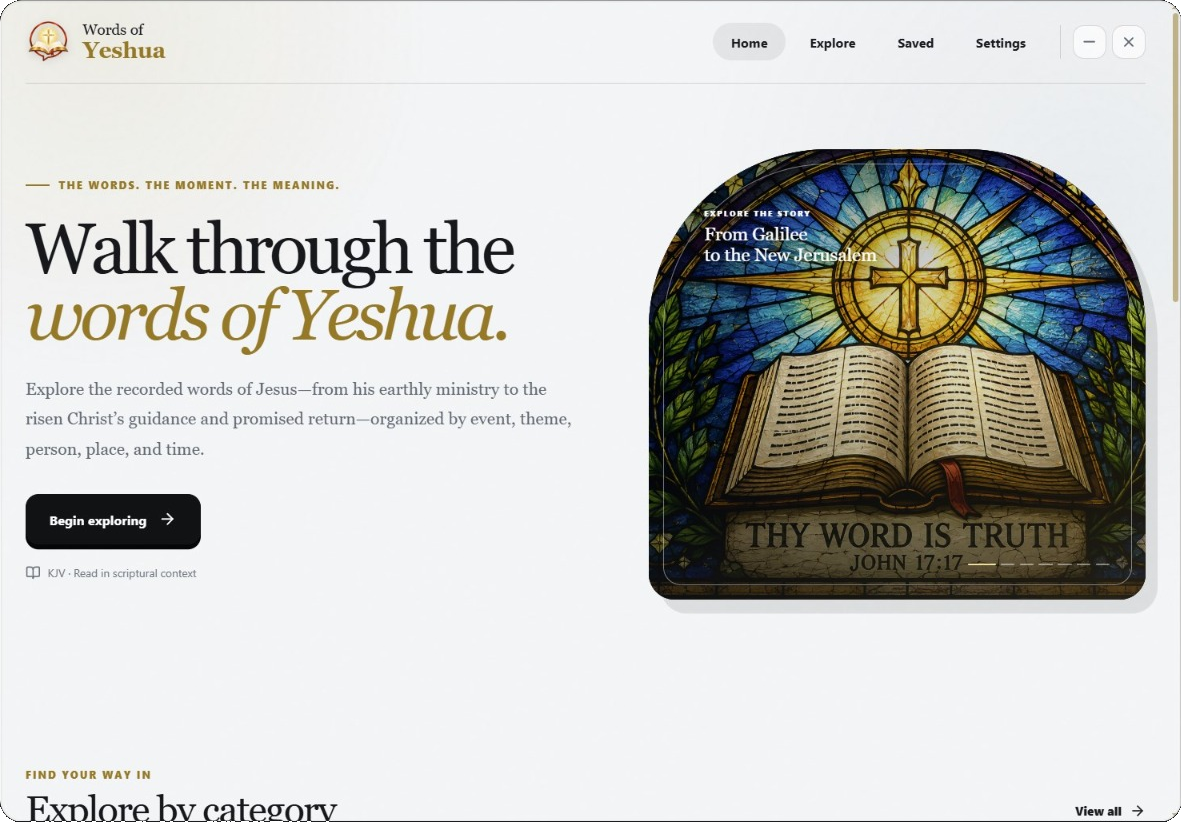
Explore the supplied Windows Light Mode captures alongside fresh Android device screenshots from a connected Samsung phone. The gallery keeps each platform labelled so readers can see the shared Scripture experience and the distinct platform boundaries.
Made for study
Move from focused sayings into complete KJV chapters so the surrounding passage remains part of the reading experience.
Use the study surfaces to browse, search passages, and return to the parts of Scripture you are considering.
Keep selected passages available for later review without turning a private reading practice into a public profile.
Use the Windows study room or the touch-first Android reader, with the same local catalogue, saved passages, and chapter context.
Free, private, and local-first
Words of Yeshua is built for account-free, local reading. The Windows and Android applications keep the study experience on the reader’s device and do not require a web account or subscription.
The app is a study companion. Its interface and supporting material do not replace the authority or provenance of the Biblical text.
Official releases · Windows and Android
Words of Yeshua is available as a Windows x64 installer and a phone-first Android APK through the project’s public GitHub releases.
Download the production-signed APK, open it on your Android phone, and approve Android’s normal installation prompt. This update keeps the same signing identity as Android 0.1.0 so it can update that release without removing local data.
Download APK ↓Android release notes ↗SHA-256 checksum ↗The installer is unsigned, so Windows SmartScreen may show “Unknown publisher.” Confirm that the filename and source are correct before proceeding.
Download EXE ↓Windows release notes ↗Review the application source, release notes, checksums, and the current published platform artifacts from the official repository.
Open repository ↗View all releases ↗From the journal
Read what changed in Android 0.1.2 after the first installation trouble, including the production signing, download verification, and native installer handoff.
Read the Android 0.1.2 release story →